broken planet: Order Not Updated After Payment
-
Find your place
If the payment page shows success but the order list hasn't changed, don't pay again right away. This could mean the payment authorization hasn't completed, the payment went through but order creation failed, the order page cache hasn't refreshed, or the order was created under a different account or entry point. A payment success page alone doesn't confirm t
Editor score 4.2 / 5

If the payment page shows success but the order list hasn't changed, don't pay again right away. This could mean the payment authorization hasn't completed, the payment went through but order creation failed, the order page cache hasn't refreshed, or the order was created under a different account or entry point. A payment success page alone doesn't confirm the order is correctly assigned.
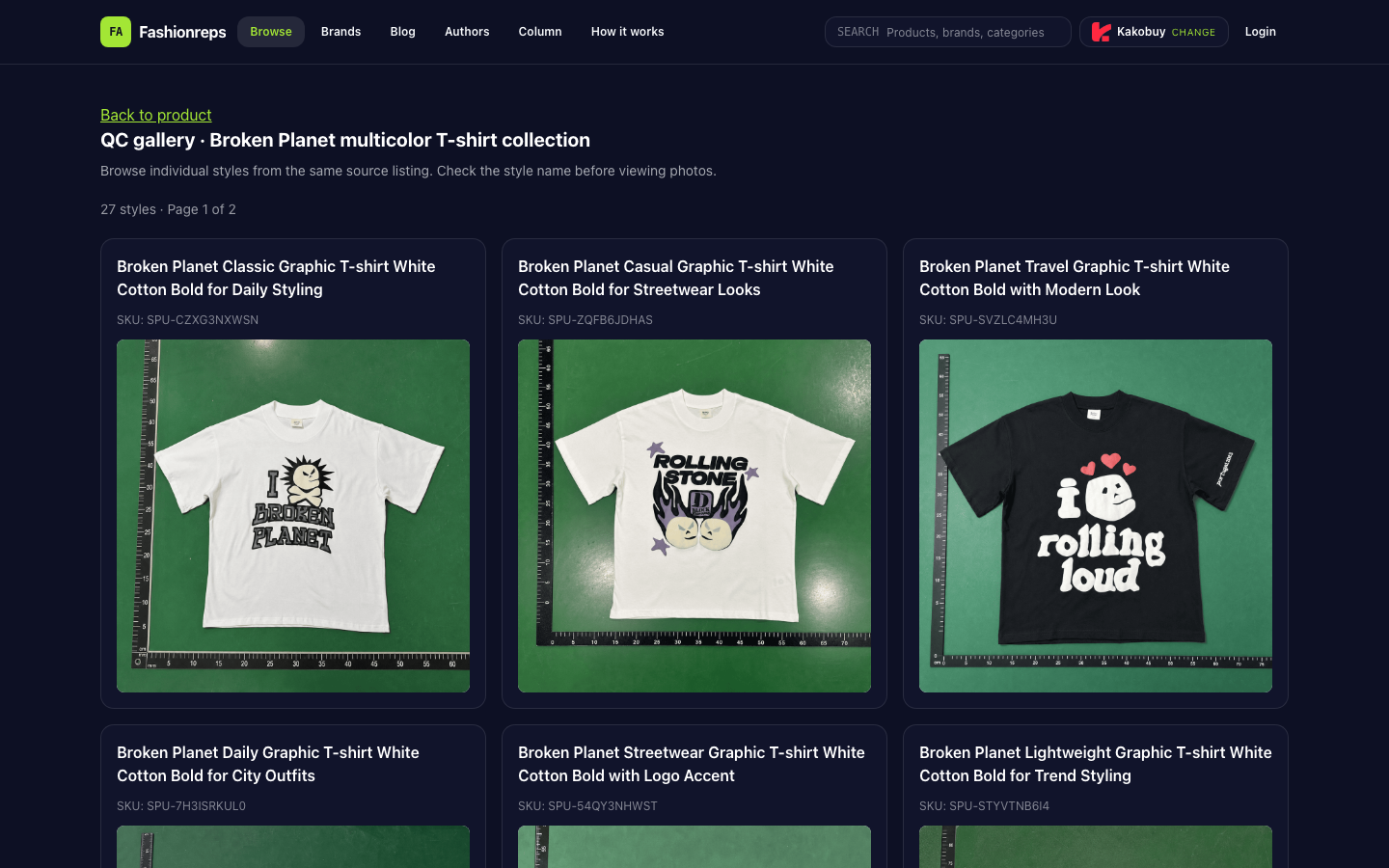
This article only provides a method to verify broken planet order ownership, and doesn't imply fashionreps currently has the above issues. The verified product page is Fashionreps' Broken Planet multicolor T-shirt collection QC page, which lists multiple styles; that page itself can't prove a payment created an order, nor replace order records in your personal account.
First, Save Your Purchase Information
Before continuing, save the following information in one folder or note:
- broken planet product name, style, color, and size;
- product page or purchase entry URL;
- payment time, including timezone if possible;
- account, email, or login method used;
- payment method and transaction ID from the payment platform;
- order number, payment status, or error message shown on the page;
- any change in account balance or billing after payment.
Don't just save a "payment success" screenshot. The screenshot should include time, amount, transaction status, and transaction ID; if the payment platform hides some info, you can save the transaction details page separately, but don't expose your full card number, security code, or account password.
Distinguish Four Statuses
Several statuses during payment are easily confused:
Status What it means What it doesn't mean Payment authorization Payment platform temporarily allows a charge Doesn't necessarily mean an order was created, nor that the final charge is complete Payment completed or charged Payment platform recorded a successful charge Doesn't prove the money is linked to the correct order Order creation failed Purchase system didn't generate a queryable order, or creation returned an error Can't be determined just because the page didn't refresh Page not refreshed Current page may still show old data Doesn't prove the order doesn't exist or was duplicated If the payment platform shows "processing," "pending confirmation," or similar, treat it as not yet verified, rather than paying again immediately. Specific status names may vary by payment method, and this article doesn't promise any processing time without evidence.
Check Order Ownership in Order
1. Save Payment Records
Open your payment platform's transaction details and record the transaction ID, status, time, and payee information shown. If there's only an authorization record and no completed or charged record, don't pay again yet. If it shows completed or charged, still don't assume the order is established.
2. Go Back to the Original Account and Refresh
Return to the account you used for the purchase, reopen the order section, and manually refresh. Then log out and log back in using the same login method. Make sure you're logging into the original account, not another email, guest entry, or different login channel.
3. Check Order Details, Not Just the Order List
If the page offers order search, order history, or order details, use the saved order number, product name, or purchase time to query. Focus on:
- Whether the order number actually exists;
- Whether the product, style, and quantity match this purchase;
- Whether the order status matches the payment record;
- Whether the order shows under the current account;
- Whether there are pending payment, cancelled, failed, or duplicate orders.
If the order number came from the payment page but can't be found in your account, don't guess its ownership or create a second payment to "test" the system.
4. Compare Account Balance Changes
Check your account balance, payment platform billing, or bank card transaction records to distinguish authorization, actual charge, refund, and duplicate charge. If there are multiple records with the same or similar times, keep all transaction IDs and times, and don't try to pay again.
5. Decide Next Steps Only with Clear Evidence
You can proceed only if: there is a corresponding order in your account and the order items and payment record match; or official support has confirmed the original transaction didn't create an order and clearly said you can pay again. Seeing only a payment success page, a balance decrease, or a brief page glitch isn't enough.
Submit Traceable Evidence to Official Support
Submit a request through the official support channel of the platform where you made the purchase or payment. Don't just write "I paid but no order"; provide information that lets support locate the transaction:
- Account identifier or registered email;
- broken planet product name and specific style;
- Purchase time and timezone;
- Payment method;
- Payment platform transaction ID;
- Order number, if shown;
- Current order page status;
- Whether account balance or billing changed;
- Results of trying refresh, re-login, and order query;
- Relevant screenshots, with full card number, security code, password, and other sensitive info covered.
You can use the following outline, but replace with real information:
"I initiated a payment for a broken planet product at a specific time. The payment platform shows status X and transaction ID Y; my account's order section shows result Z. I've re-logged in and queried orders, but still can't confirm whether this payment corresponds to order number W. Please confirm whether this transaction created an order, which account it belongs to, and whether I should avoid paying again until confirmed."
If support asks for additional materials, submit only through their official channel, and keep the submission time, ticket number, or conversation ID. Don't post payment receipts publicly in comments or on social media.
Stop Paying Again in These Situations
Pause new payments or repeated submissions if any of the following occur:
- Payment platform shows charged, but no matching order in account;
- The same transaction has both authorization and charge records, and status is unclear;
- Two suspiciously identical orders appear in the account;
- Page shows an order number, but it can't be found after re-login;
- Support hasn't confirmed whether the original transaction was successfully assigned;
- You can only verify the first payment by paying again;
- The payment page, order page, or payee info differs from the original purchase flow.
In these cases, the most valuable next step is to organize a timeline and transaction evidence, not keep clicking pay. An unupdated order status alone doesn't prove order failure or successful creation; only when payment records, account orders, and official support responses align can ownership be reliably confirmed.
Evidence Scope Disclaimer
The verified product source page provides a catalog and QC page info for multiple Broken Planet styles, but doesn't provide your personal payment records, account orders, or the processing result of a specific payment. Therefore, this article cannot judge whether a transaction succeeded for you, nor does it claim fashionreps currently has an order status issue. The final judgment should be based on your payment platform records, account order details, and official support confirmation of the transaction ID.
Community feedback
0 approved
- Readers
- No approved comments yet.
Keep reading on this site
Black Drawstring Athletic Shorts: Color & Styling Tips / Supreme, Polo, Carhartt Winter Flat-Lay: Color & Styling / Winter Streetwear Flat Lay: Jackets, Sweats & Details